INTERCEPTOR on mobile and console
Update 3 added handheld play. The phone overlay is still the whole loadout.
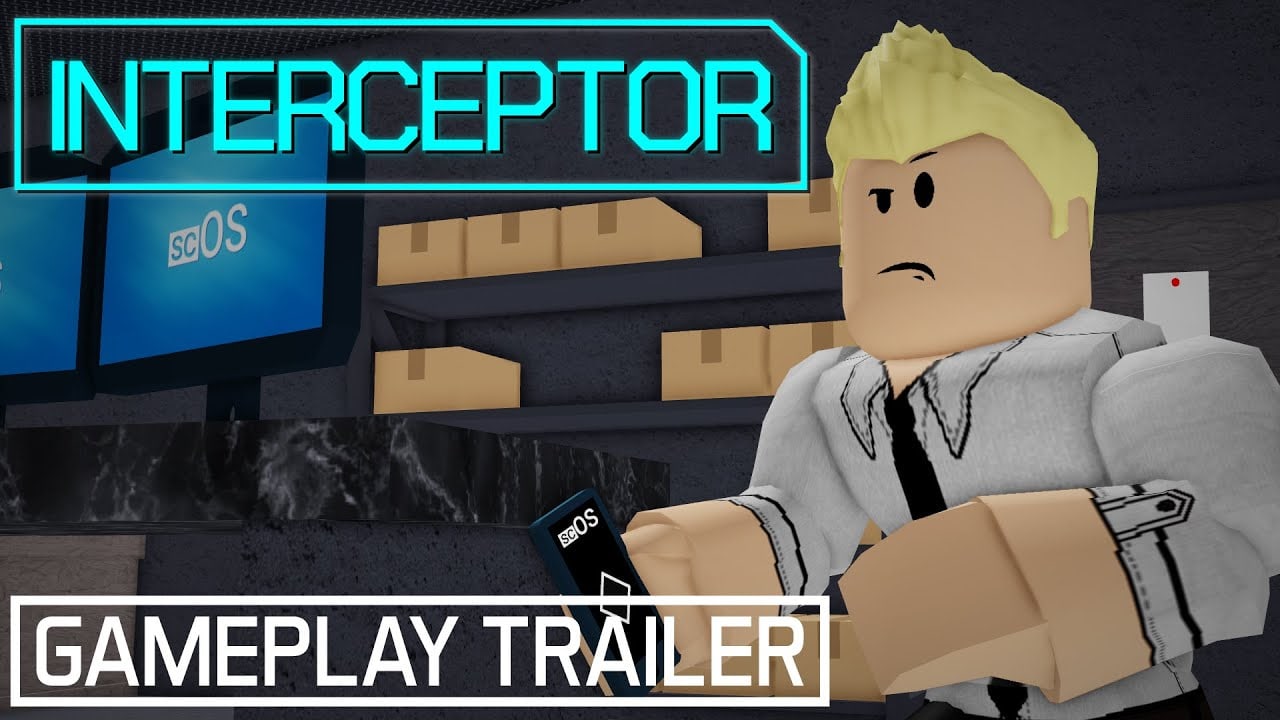
Update 3 (5 April 2024) added mobile support so you can intercept cameras on a phone without a keyboard. Console prompts were hotfixed so they show R2 instead of a keyboard Q. This page is the handheld bind sheet. Desktop details stay on controls. Hacking verbs stay on hacking. Parent: guides hub.
No separate mobile-only YouTube tutorial is worth a unique embed. Use the phone-close habits from the controls page and the file list from Chapter 1.
Why mobile runs die
The overlay is a second screen. On a small display, the interact button and the phone toggle sit too close. Launch-week PC players already got stuck after the second camera and the first credential steal. Handheld makes that worse. Close with the same control that opened the phone. Do not mash walk hoping the world returns.
Audio tells you when a guard turns in the brick hallway. Use headphones. Mute mobile sessions fail the east pair because the snore cue is easy to miss.
Settings before a serious handheld run
- Graphics high enough to read camera LEDs and SC/OS labels.
- Sensitivity low enough to track a cone without whipping past a desk.
- High Security off. High Security budgets jam; a fat-finger spends the budget.
- Quick Restart bound. You will brick laptop minigames. That is expected.
- Do not open extras, seed, or settings mid-wing. Title screen only.
RNG seed and F9 still exist for INTERSWEEPER. They are awkward on mobile. Play the grid on a tablet or PC if you can.
Console notes
If a prompt still shows Q, update the experience. The hotfix existed to map the interact / radio face button correctly. There is still no gun loop. Anyone hunting an ADS bind grabbed a different Roblox military title.
What not to install
Instant-prompt scripts and universal GUIs are how people skip the hold that is the stealth timing. The scripts hub has no INTERCEPTOR listing. A phone executor is still an account risk — executor safety.
If the Roblox app will not join place 14301606128, that is the hiatus, not a mobile graphics bug. Confirm the ID on official links.
Handheld mastery is the same as PC mastery: intercept, glance, close, move. After that, hunt badges or a faster route on a bigger screen. The Cell Block does not grow extra rooms because you brought a phone. If two thumbs fight the overlay, rest the device and play the next attempt like a PC run: intercept, glance, close, then move. That sentence is the whole mobile skill. After three clean default exits on handheld, you can try a faster route or a badge on a larger screen. INTERCEPTOR was built as a phone game about a phone. Treat the hardware with the same respect the SC/OS overlay demands. Console and mobile share one more trap: opening the extras tab with the same thumb you use for interact. INTERSWEEPER and Chase System Test are fine toys, but they are easy to launch by accident from a pause menu. Back out, Quick Restart, and return to the cell. If you wanted the extras on purpose, open INTERSWEEPER or Chase System Test from the title screen after a clean save of your nerves. Handheld INTERCEPTOR is the same puzzle as the PC demo. The hardware is just closer to your face.
Frequently Asked Questions
Straight answers for stealth, hacking, and the 2026 hiatus.
Does INTERCEPTOR work on mobile?
Yes, from Update 3 on 5 April 2024. Keep the phone toggle away from interact so you can close the overlay.
Why do I see Q on a controller?
That was a known bug. A hotfix shows R2. Update the experience if it still lies.
Should I play High Security on a phone?
Not first. Clear default. High Security limits control-center disables.
The game will not open on my phone.
Check hiatus notes. A restricted place fails on every device.